Creating a configuration
- Click “Add configuration”.
- Find a template and check the supported platform indicators.
- Set the name and the parameters of the selected template.
- Save the configuration.
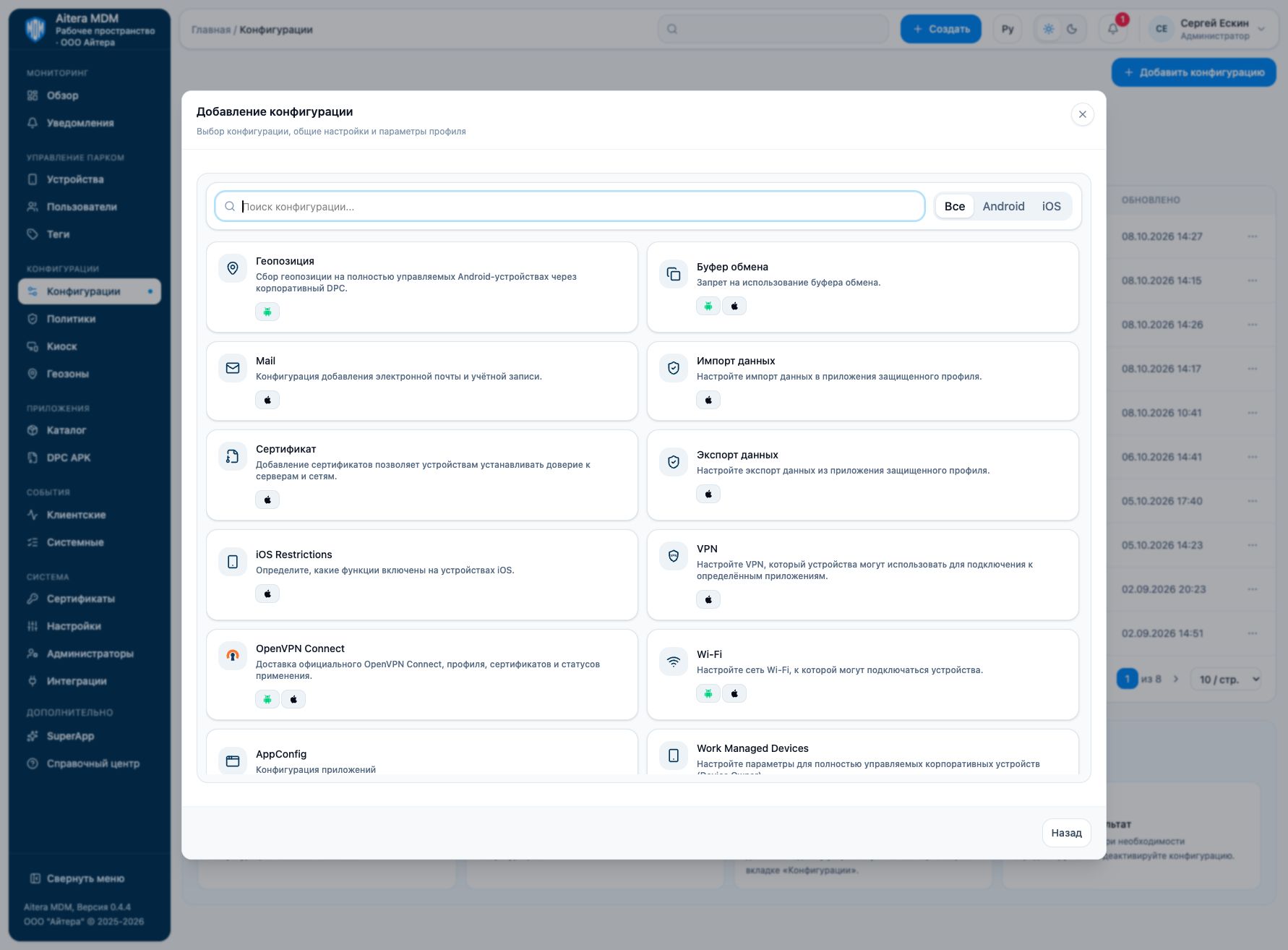
The templates include Wi-Fi, AppConfig, Android and iOS restrictions, Mail, VPN, certificates, and geolocation. The presence of a template does not mean that every one of its parameters is supported by all devices.
Related instructions
Last updated