Set up corporate email
Goal: The required managed mailbox works on the Apple device.
Before you begin
Obtain the IMAP/POP and SMTP parameters. For S/MIME, prepare the certificates and check recipient compatibility.
Procedure
- Review all Mail fields.
- Prepare a certificate if needed.
- Create and verify the profile.
- Assign the recipients.
Expected result
Receiving and sending are verified, and, separately, signing/encryption when S/MIME is used.
If the result differs
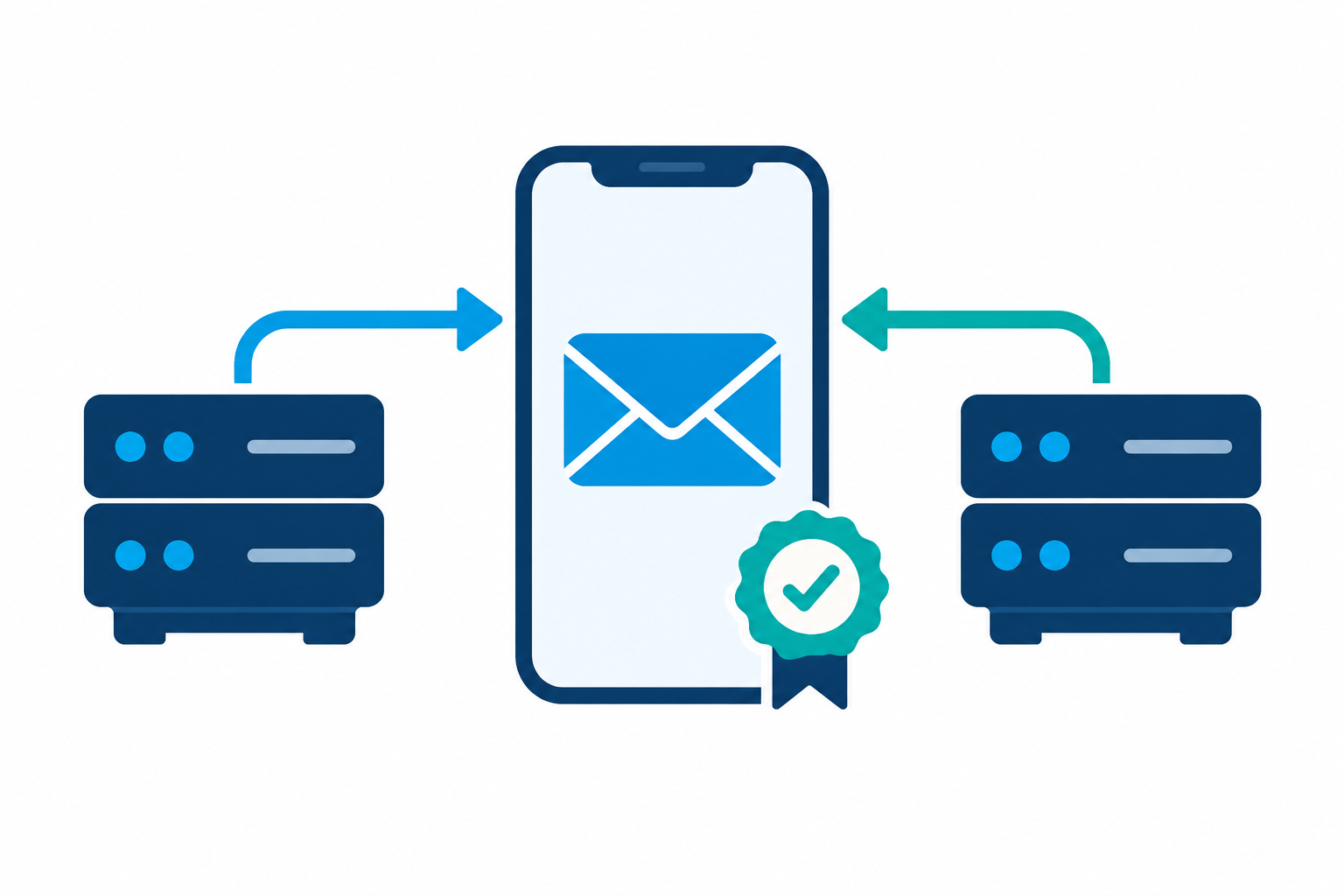
The MDM SMTP integration does not configure Mail on the device. The two restrictive Mail toggles require checking the direction in which they apply.
Changes and rollback
Confirm the recipients before changing an assignment. Test the new value on a test device first. Do not treat removing an assignment as an automatically confirmed rollback of all local settings: check the final state of the device and the application.
Last updated