Group assignments
In the group card, switch between the tabs “Users”, “Configurations”, “Applications”, “Policies”, “Files” and “Geofences”.
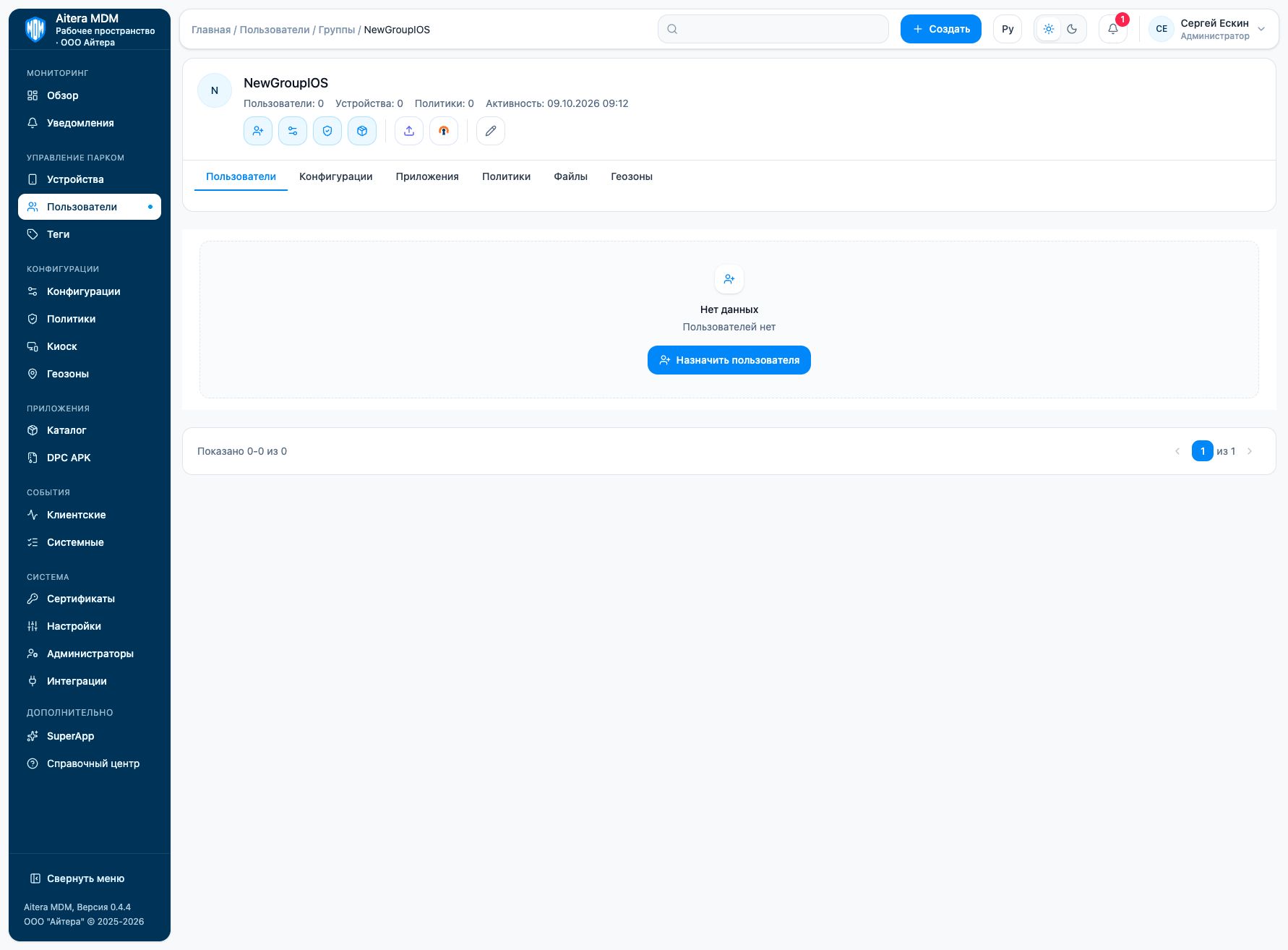
- Check the group membership.
- Select the tab of the required object.
- Use the available assign action and select the object.
- Check the result in the group card and on the recipient’s device.
Changing the group membership may change the recipients of the assigned objects. Before distributing a setting, test it on a test group.
Related instructions
Last updated