Sending Push
- Click “Send Push”.
- Specify the title, text, and sending time.
- Select the Android platform, iOS, or both.
- Select all suitable recipients, users, groups, or devices.
- Check the server-side audience preview and send the message.
- In the history, open “Deliveries” and check the result by recipient.
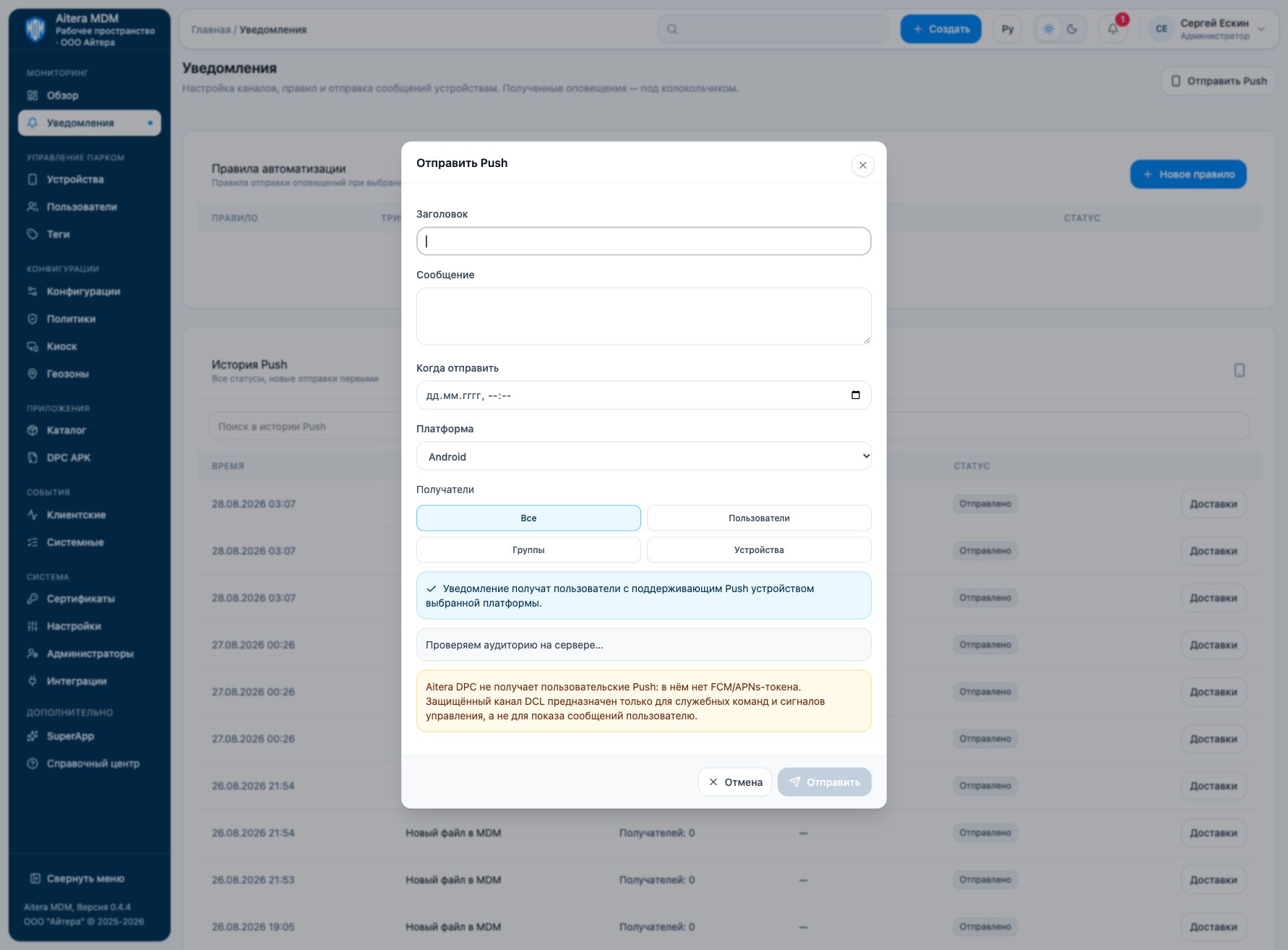
User Push requires an active mobile application token and allowed notifications. Aitera DPC does not receive such Push: its secure management channel is intended for service commands. The account name “dpc” by itself does not exclude other Push devices of this user.
A recipient being listed in the preview means a token is available and does not confirm delivery. “Sent” also does not mean the message has been read.
Related instructions
Last updated