Getting started with iOS
Download Aitera MDM for iPhone/iPad from the App Store. A separate link for SuperApp is given on the same page.
In the current wizard, the iOS item is described as a mobile app connection on an iPhone/iPad. This should be distinguished from registering a device with an Apple system MDM profile.
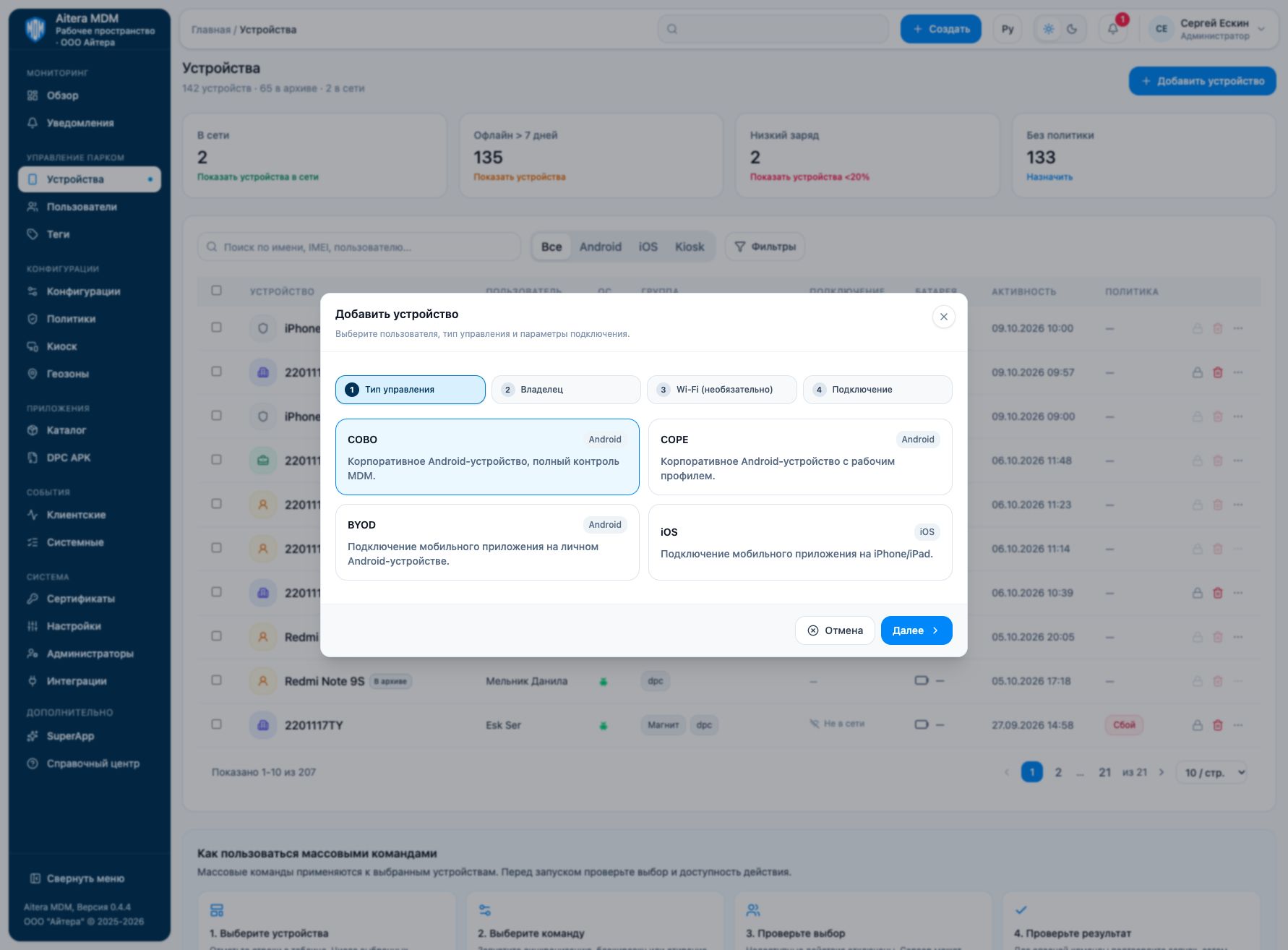
Connecting the app
- Open “Devices → Add device” and select iOS.
- Complete the subsequent wizard steps for the required user.
- On the iPhone/iPad, follow the connection instructions issued by the console.
- Check that the client contacts the server and appears in the console.
If you need Apple system management
Check the configured Apple integrations and the management profile that is actually installed. APNs, Apple Business Manager and the mobile client connection solve different tasks. Capabilities depend on the registration method and the device state.
Do not automatically carry over the list of Android commands to iOS, and do not treat a device’s presence in the list as confirmation of full control. The supported iOS/iPadOS versions require separate verification for the client and the management method in use.