Client events
Select the “Device events” journal or the “Previous command journal”. Use the search by code, target, or message and the device and user filters. Open the details of the required event.
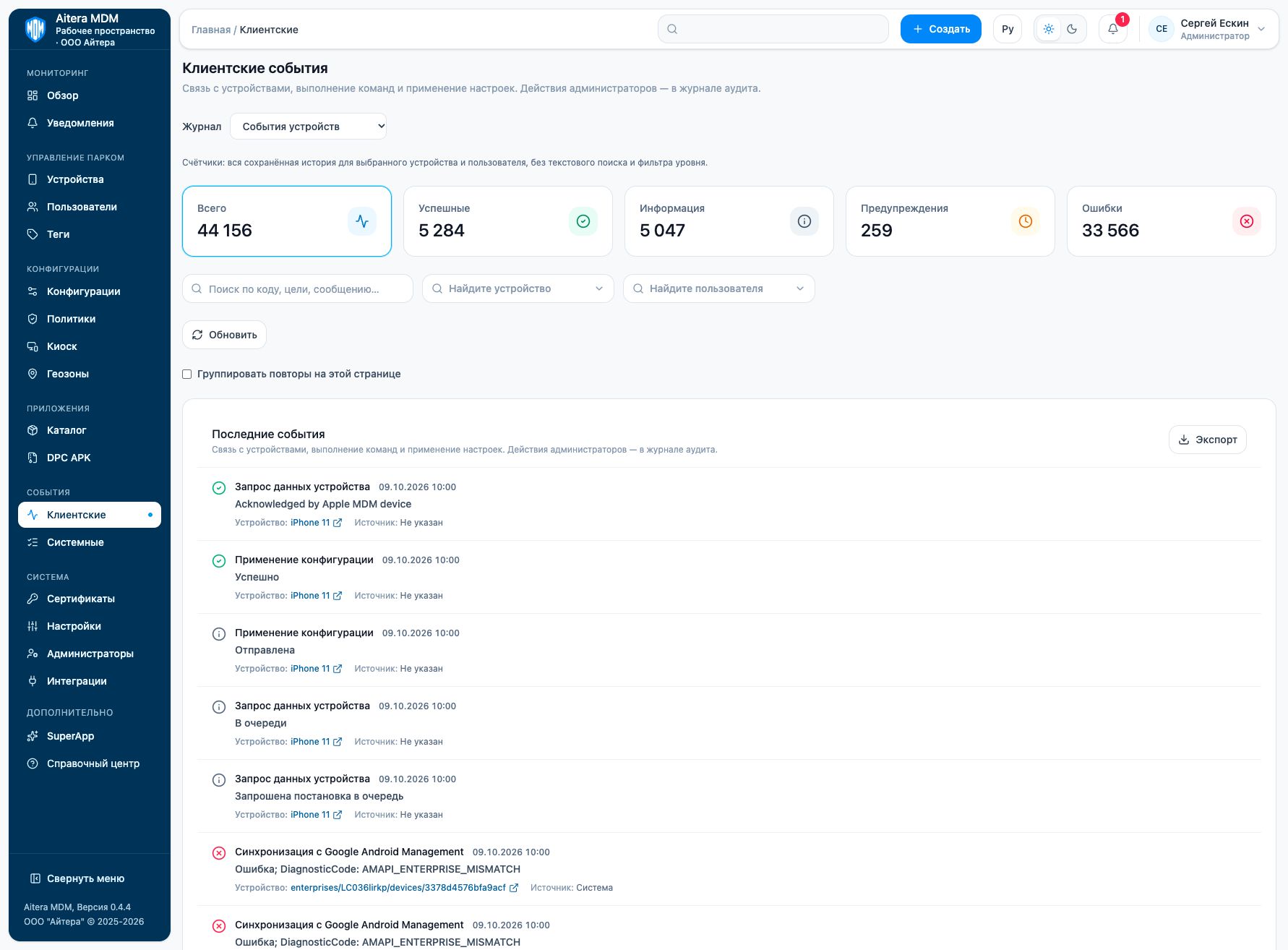
The client journal counters refer to the saved history of the selected device and user; the caption explains which filters they take into account. Do not compare them directly with the number of rows in the current search.
Related instructions
Last updated