Overview
Overview
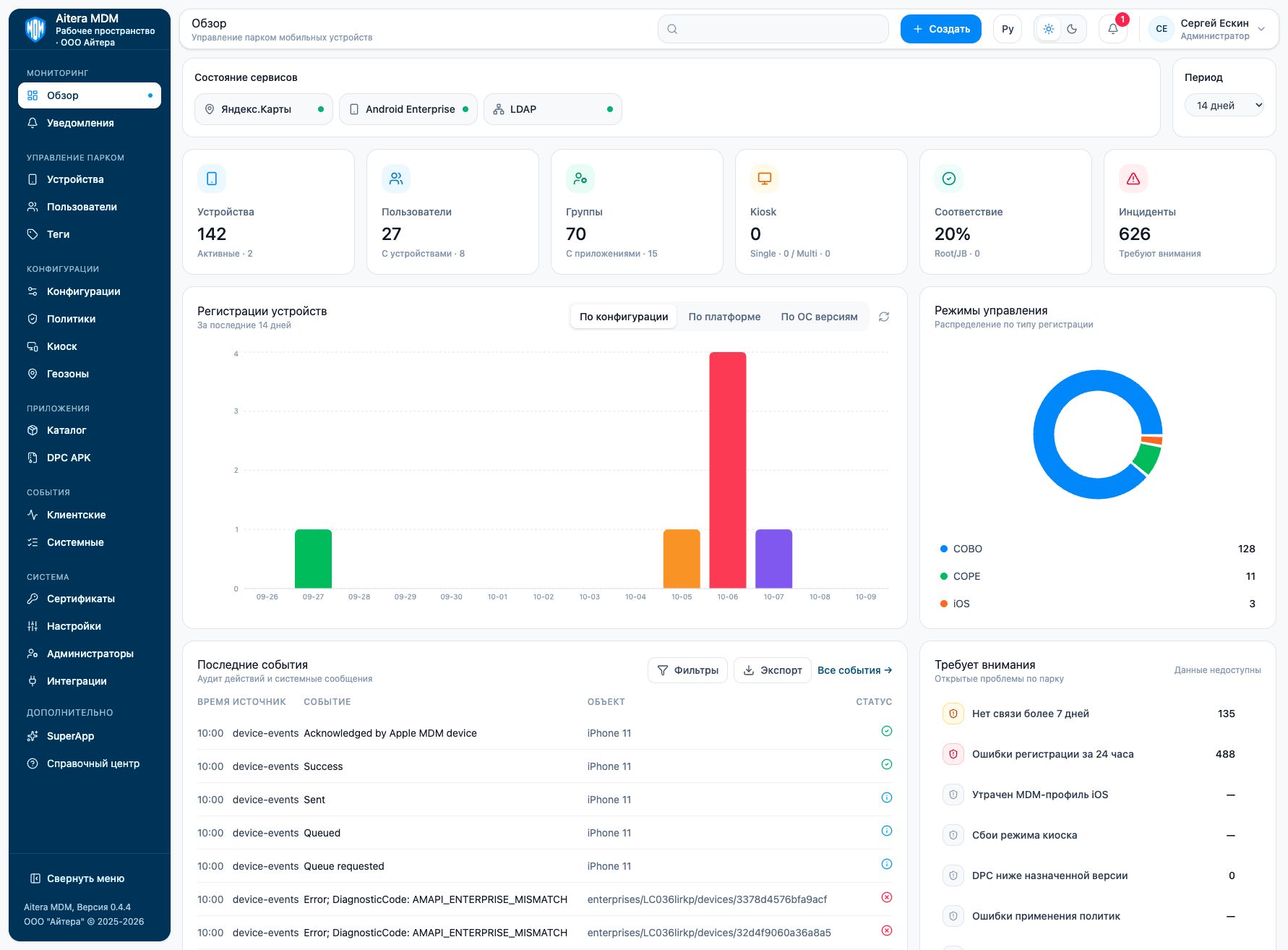
“Overview” shows a summary of the workspace: devices, users, groups, Kiosk, compliance, and incidents. The cards let you go to the related sections.
Working with the summary
- Check the status of the connected services.
- Select the period for device enrollments.
- Switch the view by configuration, platform, or OS version.
- Go from a metric card to the relevant section.
- For a specific failure, open the device or the corresponding log.
“Data unavailable” and a dash do not mean there are no problems. Saved service settings also do not prove successful delivery of commands or messages.
Last updated