Assign and configure a work application
Goal: The application is installed on the required device and has read the managed parameters.
Before you begin
Check the delivery channel, platform, version, licenses if required, and the application parameter schema.
Procedure
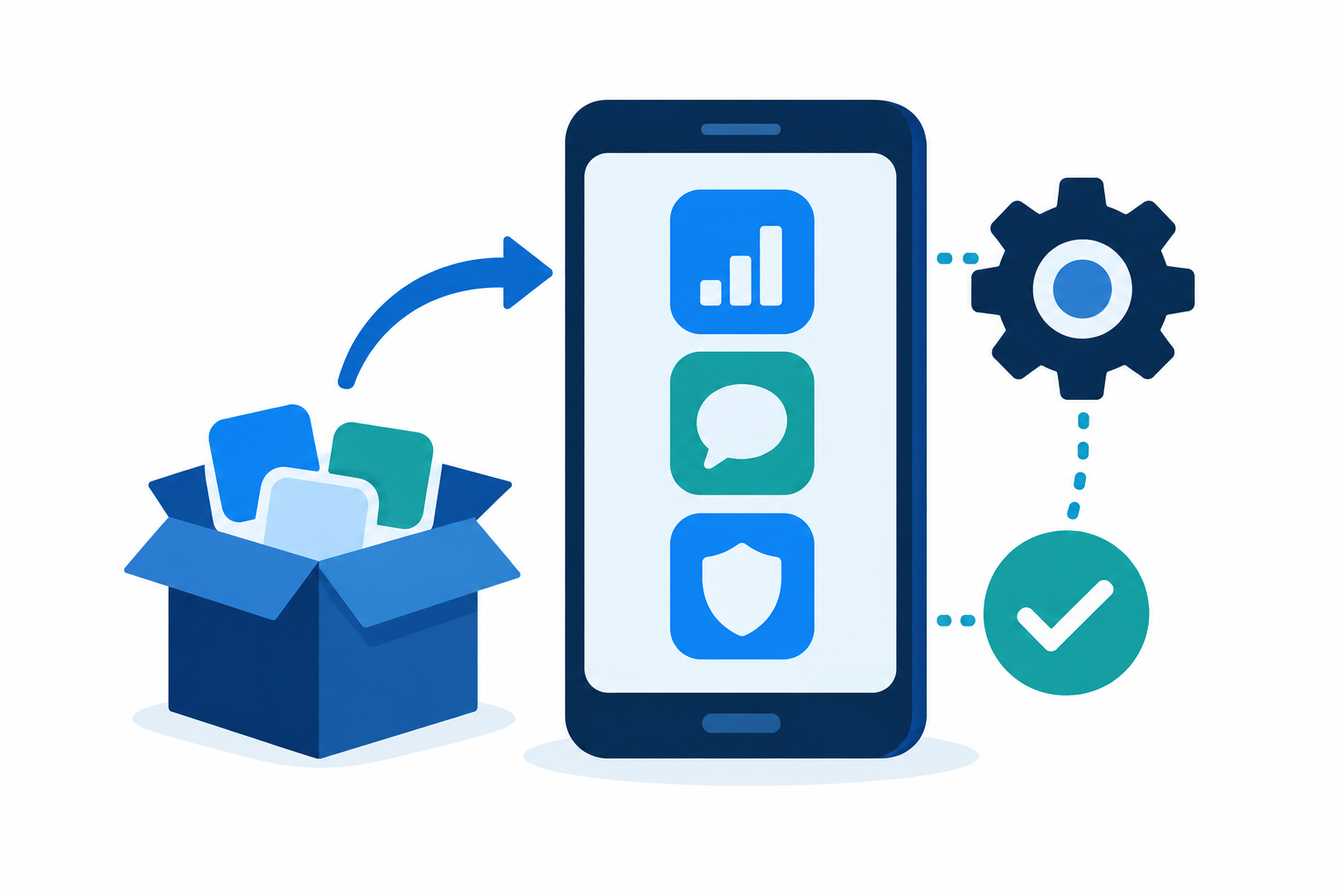
- Add the application to the catalog.
- Assign the installation to recipients.
- Set the confirmed AppConfig keys.
- Assign the application configuration.
Expected result
The package and version match; the application starts and actually uses the specified value.
If the result differs
An installation assignment does not prove that the application is installed, and saving a KEY does not prove that it is supported.
Changes and rollback
Confirm the recipients before changing an assignment. Test the new value on a test device first. Do not treat removing an assignment as an automatically confirmed rollback of all local settings: check the final state of the device and the application.
Last updated